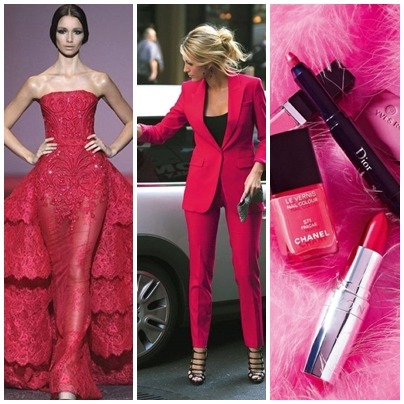
Why does this sometimes happen to sets when they've been published?
-
-
@justlikelove it usually means that the space around your image is too big and it needs to be cropped.
-
@justlikelove drag with mouse over whole set screen before publishing. It will outline the box the items fill. If it's got too much space around an item like too much white background on a dress., it will not centre it as the dress but from the edge of white space.
If this makes sense.
To avoid this crop your items. Or use a square frame as guide for all items to fit in. Then delete before publishing.
-
@fassionista can you crop on a PC?
-
@fairyqueenlola yes you can. It's on one of the buttons by save.
-
@dotingsage thank you!
-
@fassionista I thought it could be that too but even after I crop the items, it does the same thing.
-
Oh, ik herken dat helemaal; zulke frustraties met lay-outs kunnen echt de pret bederven. Toen ik even iets ontspannends zocht, ontdekte ik https://spino-gambino.be . Voor spelers uit België zijn er speciale bonussen, wat het nog leuker maakt om te spelen. Na een paar kleine verliezen besloot ik wat meer risico te nemen en won ik ineens een mooie winst. Het hielp me om even volledig te ontspannen en de frustratie van die misplaatste sets los te laten.
-
@justlikelove I use removal.ai to strip the white backgrounds from the items. Retailers are using larger & larger backgrounds on items for some annoying reason. When you clip an item, it includes a background & will shift your items when published even though it's not visible in the set. Hope this helps.
-
I’ve had that happen a few times too, and it’s almost always because of invisible background space on one or two items. Even after cropping, sometimes there’s still a tiny bit left that shifts everything. What helps me is to run all images through a background remover first (like removal.ai or Canva’s tool), then re-upload them.
Also, try zooming out before publishing and check if the whole layout sits evenly in the box. That usually fixes the off-center issue for me.